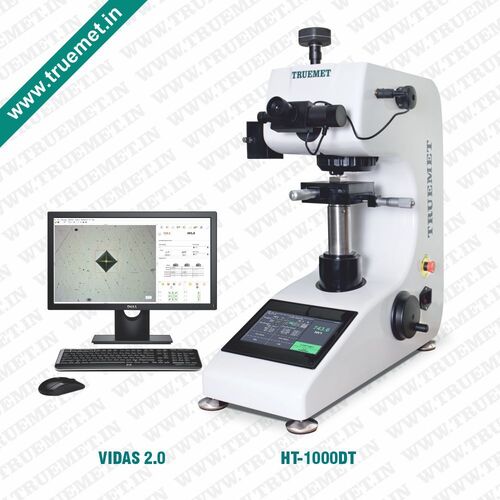
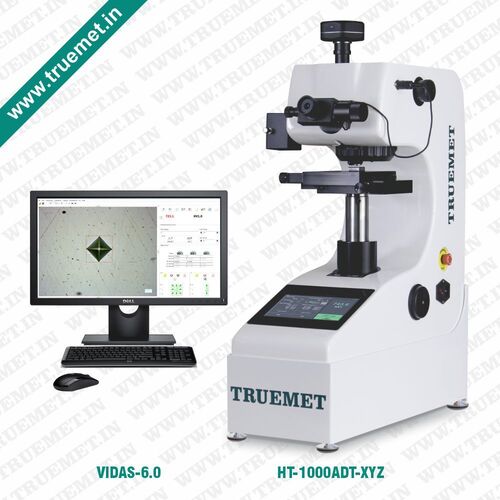
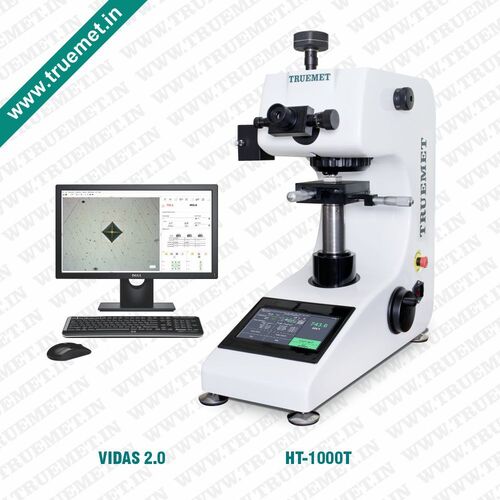
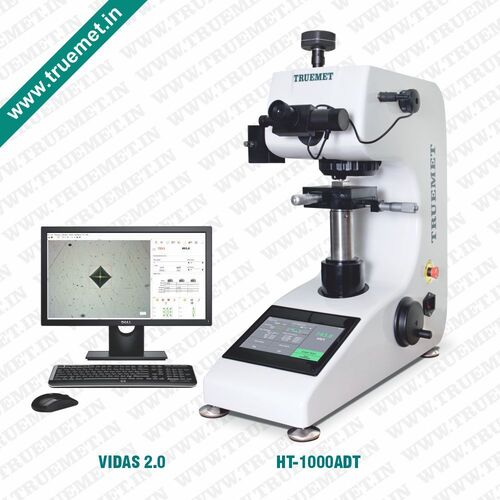
About Digital Touch Screen Micro Vickers Hardness Tester (HT-1000DT with Vidas 2.0)
Features
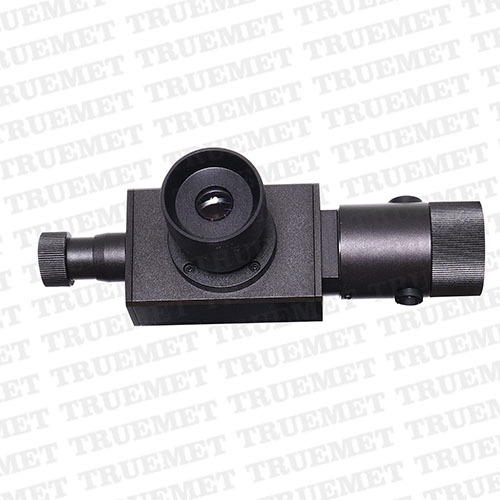
DIGITAL EYEPIECE :Equipped with 10x Digital Eyepiece to directly measure the length of the diagonal. The hardness value can be displayed directly and there is no need to enter the length of the diagonal.
CAMERA PORT :Machine equipped with dual optical channel. 5 MP USB Camera is connected to one of the dual optical channels, other optical channel is for 10X eyepiece. Both optical channel works simultaneously.
ILLUMINATION SYSTEM :Halogen illumination unit with adjustable intensity gives very clear images and can be also used as a simple microscope. Halogen illumination unit enter stand by mode after a certain period of inactivity which gives it a long service life and low power consumption.
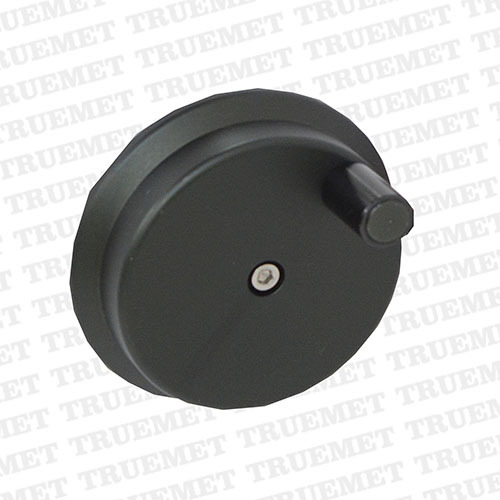
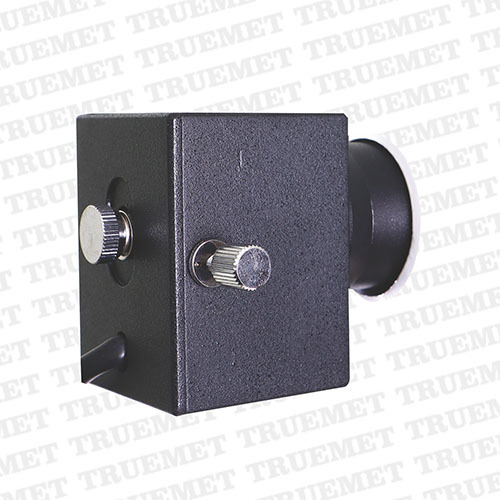
TEST FORCE :Wide range of test force (10gm to 1000gm) can be selected with external force selection knob. The test force is automatically displayed on the 7 inch LCD touch display.
DATA OUTPUT :Equipped with built-in thermal printer to take the print out the hardness result USB port is also available to get the data in pendrive.
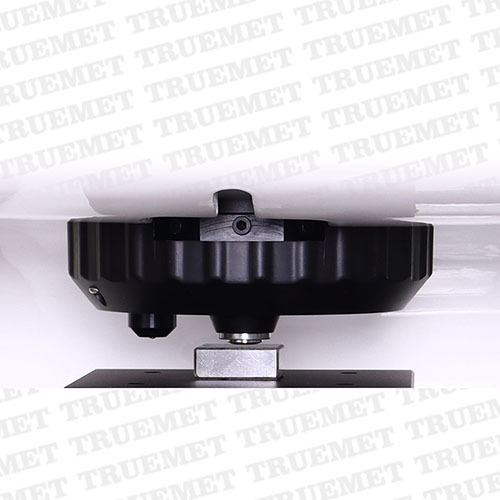
TURRET MECHANISM :Equipped with manual turret mechanism. The position of the indentor and objective lens can be switched manually.
Z-AXIS LIFTING SYSTEM :Side-Ways lifting system makes the z-axis movement more stable and accurate.
LCD TOUCH SCREEN PANEL :7 Inch LCD touch screen can visually display the hardness value, hardness conversion (4 conversion scales can be displayed at the same time), test force, dwell time, statistical data, upper & lower limit and brightness of optical system.
EMERGENCY SWITCH :Equipped with emergency stop switch.
Advanced Digital Touch Screen ControlEffortlessly manage your microhardness testing through an intuitive digital touch screen interface, streamlining navigation, test setup, and data management. Real-time visual cues and fast response times ensure user-friendly operation for both expert and novice technicians. The touch display integrates controls for test parameters, automatic loading, and data export, optimizing operational efficiency in laboratory and industrial settings.
Precision Testing with Automated WorkflowAchieve accurate and repeatable results with fully automatic load and unload cycles, a Vickers diamond indenter, and selectable loads from 10g to 1000g. The HT-1000DT ensures uniform indentation and consistent measurements, minimizing manual error. Optional objective lenses and internal memory simplify multiple sample testing, while the built-in digital camera captures precise images for analysis using Vidas 2.0 image management software.
Comprehensive Image Analysis and Data ManagementWith integrated Vidas 2.0 software, the tester provides advanced image analysis and robust data management. Easily capture indentation images, analyze hardness values, and record results directly onto the device or export via USB. This seamless workflow reduces paperwork, expedites reporting, and ensures full traceability for laboratory quality assurance and research documentation.
FAQs of Digital Touch Screen Micro Vickers Hardness Tester (HT-1000DT with Vidas 2.0):
Q: How does the Digital Touch Screen Micro Vickers Hardness Tester ensure measurement accuracy?
A: The HT-1000DT employs a Vickers diamond indenter and automatic load/unload to standardize test cycles. It offers an accuracy of 3% and a resolution of 0.01 HV, minimizing human error. The onboard Vidas 2.0 software further enhances precision through image analysis and automated data management.
Q: What types of materials can be tested with this instrument?
A: This tester is suitable for assessing the microhardness of metals, alloys, and ceramics, making it ideal for both industrial and laboratory applications requiring detailed hardness measurements. The robust design accommodates a wide hardness range from 1HV up to 3000HV.
Q: When should I use the automatic versus manual focus and navigation?
A: Automatic focus and navigation streamline routine testing and repetitive sample measurement, saving time and reducing user fatigue. Manual mode is recommended for intricate specimens that require precise alignment or when dealing with unique sample geometries.
Q: Where can data from hardness tests be stored and how can it be accessed?
A: Measurement data and images are saved to the internal memory of the tester. For data backup or analysis, information can easily be exported to a USB drive or transferred via RS232 interface, simplifying integration with laboratory data management systems.
Q: What is the process for performing a hardness test with this equipment?
A: First, mount the specimen and select the desired load via the digital touch screen. The instrument automatically carries out the loading/unloading sequence and captures indentation images. Results are instantly analyzed and displayed by the Vidas 2.0 software, and then stored or exported as needed.
Q: How does the tester benefit laboratory and industrial users?
A: The HT-1000DT delivers automation, high throughput, and consistent results, reducing operator dependency. Features like digital image capture, comprehensive reporting, and intuitive controls streamline workflows and enhance productivity, supporting both research and quality control requirements.

 Send Inquiry


 Send Inquiry
 Send Inquiry